Link a Scene: Non-Linear Continuity for AI Video
We built Link a Scene to handle continuity across non-linear storytelling—because most scripts don't move in straight lines.
The Problem with Linear Continuity
Most AI video tools treat continuity like a conveyor belt: scene four inherits from scene three, scene three from scene two. It's simple, it's orderly, and it completely breaks the moment your story stops moving in a straight line.
But real films don't work that way. A character walks into a room in scene two, leaves, and then returns in scene twelve. A hallway from your opening resurfaces in the finale—same lighting, same framing, completely different moment. Neither of those scenes is the one immediately before it.
Why We Built Link a Scene
We noticed every continuity feature we'd shipped made the same assumption: linear storytelling. The problem is most scripts aren't linear. Flashbacks, callbacks, parallel timelines, revisited locations—these are foundational storytelling techniques, not edge cases.
We needed a way to let you point a new scene at any existing scene in your project, not just the previous one. That's what Link a Scene does.
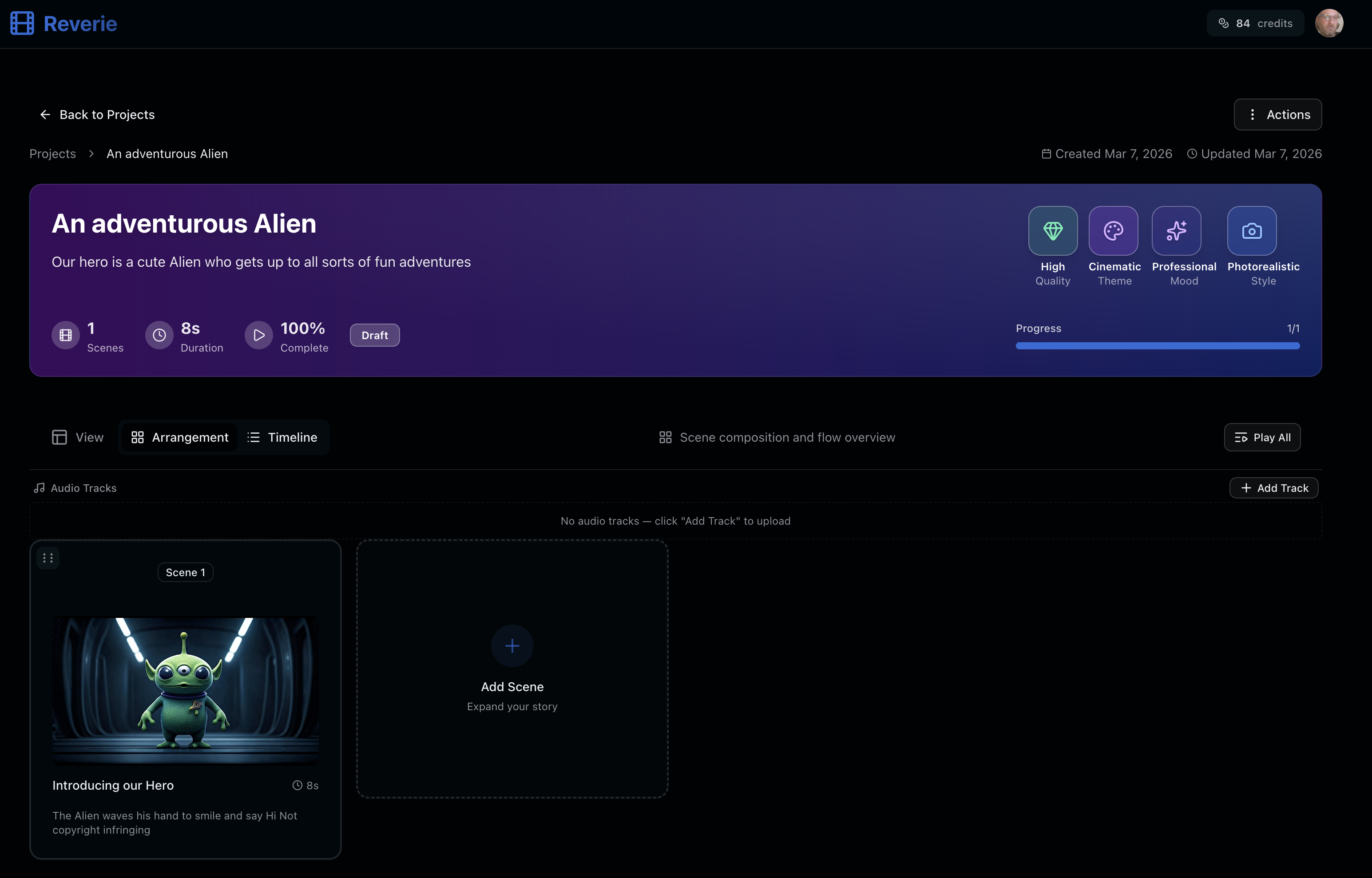
How It Works
Link a Scene lets you:
- Inherit visual continuity from any scene in your project, not just the last one
- Maintain consistent cast across callbacks and flashbacks
- Preserve lighting and mood when characters or locations return
- Build complex narratives without breaking your visual language
The feature lives in the scene settings as an optional menu. You have to actively choose to use it—we didn't make it the default.
The Tradeoff We Made
We thought long about whether to make Link a Scene automatic. In the end, we decided against it. Yes, it's a menu you have to remember and navigate to. Yes, that adds a step.
But the alternative—continuity silently breaking the moment your story stops being linear—felt worse. Explicit over invisible. You have to own the choice, which means you're less likely to be surprised by what your output looks like.
That's the tradeoff. You get power and flexibility in exchange for one more thing to think about.
What's Next
We're watching how you use Link a Scene. If most projects need it, if most callbacks matter to you, we'll revisit making it smarter or more discoverable. For now, we're keeping it where it is: available, intentional, and yours to use when it matters.
See It in Action
Head over to Reverie and try building a non-linear story. You'll get 300 free credits to explore—enough to test callbacks, revisit locations, and see how Link a Scene handles the kind of storytelling that matters to you.
Visit https://reveriemovies.com?utm_source=blog&utm_medium=updates&utm_campaign=link-a-scene-non-linear-continuity to get started.